
Internet in Egypt: A Practical eSIM and Mobile Data Guide
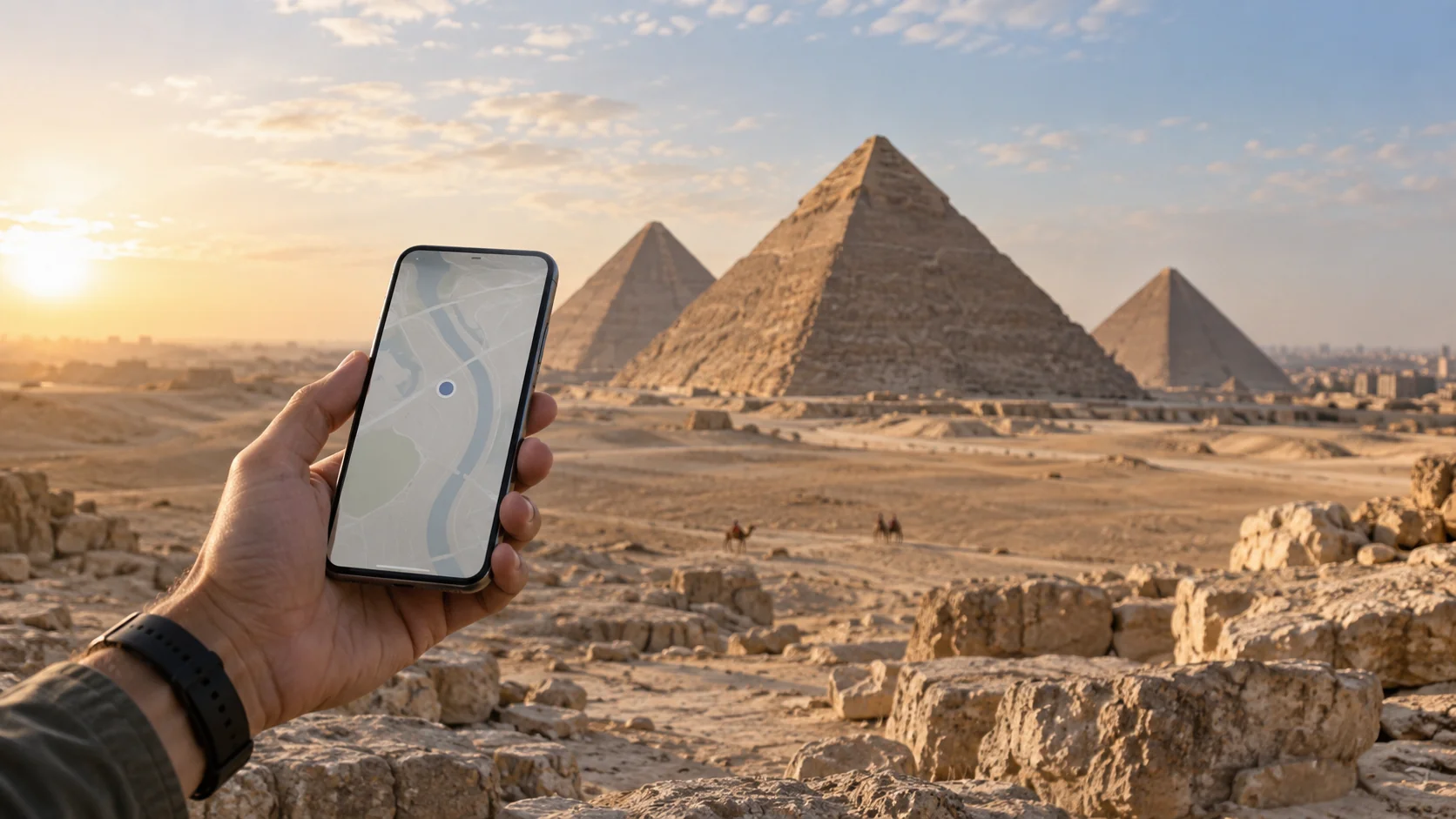
Finding your hotel in Hurghada, checking a transfer in Sharm El Sheikh or looking up an address in Cairo: you may need internet before you have even left the airport. Planning your connection before departure can reduce the time you spend comparing tariffs and adjusting settings on arrival.
This guide compares travel eSIMs, local SIM cards, roaming with your usual carrier and Wi-Fi. The right choice depends on your phone, the length of your trip and how you use mobile data.
Your internet options in Egypt
A travel eSIM
An eSIM is a digital SIM profile installed on a compatible phone. It lets you use a mobile data plan without swapping a physical card. Before buying, check your exact phone model, regional version and carrier-lock status. Different versions of the same model family may not have the same features. Downloading an app cannot add eSIM support to an incompatible device.
A local SIM card
If you prefer a physical SIM, compare local providers. Ask which documents are required, what conditions apply to visitors, how much data is included and whether the plan comes with a phone number. An airport or city-store offer is not automatically the cheapest option.
Roaming with your existing carrier
Check the terms specifically for Egypt, including daily charges, data limits and what happens when an allowance runs out. Do not assume your domestic or European plan includes use in Egypt. Confirm the coverage of your tariff with your carrier before traveling.
Hotel and other Wi-Fi connections
Your accommodation’s Wi-Fi may cover some of your needs, but that same connection will not be available during a transfer or away from the property. Depending on your itinerary, treat Wi-Fi as a useful complement rather than a guaranteed substitute for mobile data.
How much mobile data should you choose?
Trip length is only part of the decision. Streaming video, automatic photo backups and connecting a laptop through a hotspot can use considerably more data than messages and occasional directions.
Look at your recent mobile data usage in your phone settings. Consider which apps you will use more often while traveling, and restrict app updates or automatic backups to Wi-Fi if appropriate.
| Usage approach | An option to compare | What to consider |
|---|---|---|
| Lighter use | 3 GB / 15 days | Trip length and background data use |
| Messaging, maps and everyday browsing | 5 GB / 30 days | 5 GB total, not a daily allowance |
| Higher usage or connection sharing | 10 GB / 30 days | Video and hotspot use can consume data faster |
These examples are not promises that an allowance will last your trip. A 30-day validity period does not mean unlimited internet. Both the data limit and the expiry conditions matter.
Compare current prices and available options on our Egypt eSIM plans page.
What to check before buying
- Find your exact model in our compatible devices guide.
- Make sure your phone is not locked to another carrier.
- Match the data allowance and validity period to your travel plans.
- Check when validity begins: purchase, installation and first network connection are different events.
- Decide whether you need conventional calls or SMS. A data plan does not automatically include a local number.
- Check both plan and device support if you intend to share data through a hotspot.
When should you install your eSIM?
Use a reliable internet connection and follow the instructions supplied with your order. For the eSIMoon Egypt plans verified on 20 September 2026, validity begins on the first connection to a supported network in Egypt, not at purchase. Always follow the current terms and any installation deadline shown for the plan you choose.
See our eSIM installation guide for setup steps. iPhone users can also consult Apple’s official guidance on using an eSIM while traveling internationally.
Getting connected after arrival
- Check that your travel eSIM is enabled.
- Select it as the line for mobile data.
- Enable data roaming for that travel eSIM if its setup instructions require it.
- Turn off data roaming on your home line and automatic mobile-data switching if you want to avoid using that line for data.
- Open a small web page to check the connection.
Keeping your home line active for calls or SMS can still incur carrier charges. Turning off data roaming alone does not eliminate every possible fee.
Coverage in Hurghada, Cairo and Sharm El Sheikh
A destination name is not a guarantee of reception at every location. Buildings, terrain, your phone and network congestion can affect the connection. Check your selected plan’s current network information, especially for trips outside towns or when connectivity is essential for work.
Likewise, a listed 5G capability does not promise 5G at every location. This guide is not an on-location speed test and does not claim uninterrupted coverage at a specific hotel or along a particular route.
If your connection does not work
First check that you have selected the correct mobile data line, enabled the travel eSIM and applied the required roaming setting. If your order includes APN instructions, follow them rather than entering arbitrary settings.
Contact support if the problem continues, before deleting the eSIM. Do not expose payment-card details, QR codes or activation codes in error screenshots. Reinstallation eligibility varies by plan, so deleting and reinstalling should not be your first troubleshooting step.
Prepare your connection before departure
Check your device, estimate your data needs and save important reservations and installation instructions for offline access. Then compare the available Egypt eSIM plans and read the current conditions of your chosen package.
Frequently asked questions
Do I have to use an eSIM in Egypt?
No. Local SIM cards, your carrier’s roaming packages and Wi-Fi are other options. An eSIM is worth considering if your device is compatible and you prefer not to swap a physical SIM.
Is 5 GB enough for a one-week holiday?
It depends on your usage. Messaging and occasional browsing differ from video streaming, backups and hotspot use. Check your past data usage when choosing; no allowance is guaranteed to last a particular number of holiday days.
Can I keep my usual phone number?
On a compatible dual-SIM device, you can retain your home line and select the travel eSIM for mobile data. Check your device’s active-SIM limits. Your carrier’s calling and SMS terms still apply to the home line.
Does an Egypt eSIM include a local phone number?
The offers discussed here are mobile data plans. Do not assume a local number, conventional calls or SMS are included unless the selected package explicitly says so.
Can I share the connection with my laptop?
Supplier information for the verified Egypt packages supports hotspot sharing where your device allows it. Shared data comes from the same plan allowance.
Can I install the eSIM before my flight?
You can install it ahead of travel if your order instructions and installation deadline allow it. Installation is not necessarily the start of validity; check the activation rule for your specific plan.